Stills
Image generation at production resolution, from a prompt or from another image. Art direction, concepts, covers, assets — iterated on the machine, at no cost per image.
The application
Garnet is a desktop application, not a browser tab pointed at somebody else's data centre. It opens on your machine, uses your GPU, and reads your files where they already are.
running locally · nothing metered

The studio
The same card that answers your questions renders the work. Image, video, 3D and audio generation are part of the application — not a separate subscription, not a queue, and not a service that keeps a copy of what you made.
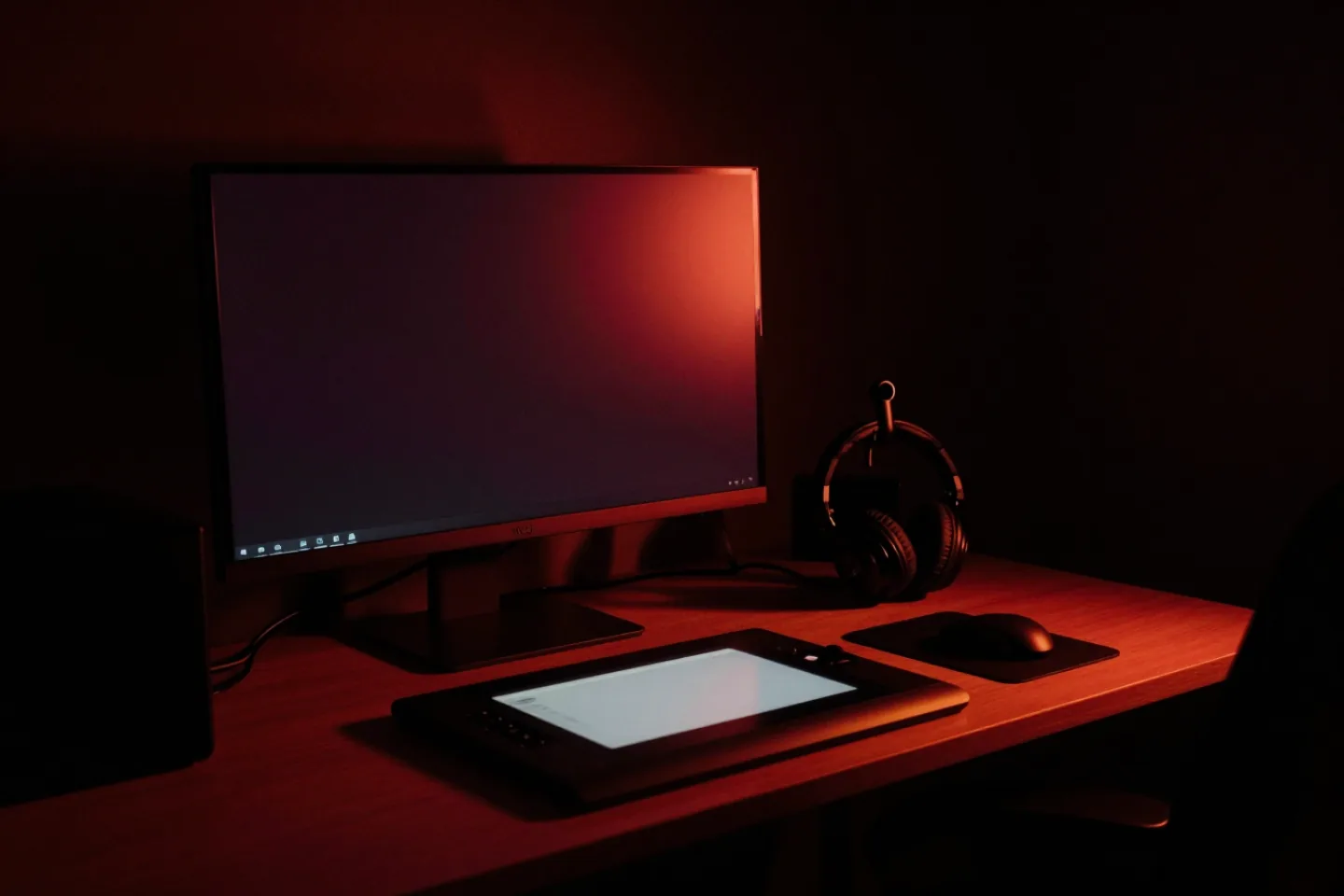
Image generation at production resolution, from a prompt or from another image. Art direction, concepts, covers, assets — iterated on the machine, at no cost per image.
Text-to-video and image-to-video. Give it a still and a direction and it animates; give it a description and it shoots. Rendering is bounded by the card, not by a queue someone else controls.
Mesh generation from an image or a prompt, for when a flat render is not the deliverable. Output you can take into the rest of your pipeline.
Music and speech synthesis, including voice, so a piece can be scored and narrated without another vendor, another contract and another copy of your script.
Code
Not autocomplete. A coding agent that opens the project, works through a task, and comes back with a change you can read before anything is written. It runs on the machine, against the code already there.
The reason most firms cannot use an AI coding assistant is that using one means shipping the codebase to a third party. Here the codebase and the model are on the same machine, and with the airgap on that machine cannot reach anything.
Inside
Each of these is a part of the same application, sharing the same models, the same documents and the same permissions.
The room you spend most of your time in. Several models available at once, switchable mid-conversation, with the thread kept on the machine.
Where work in progress lives — drafts, scratch, the things that are not finished and should not leave the building to become finished.
Ingest documents and they become searchable with their sources shown. Ask a question, get an answer, see which page it came from.
Open-source research gathered and organised. The one surface that genuinely wants the network, and the one that tells you plainly when the airgap is on.
Standing agents grouped into teams, each with a remit. They run recurring work and bring you the decisions.
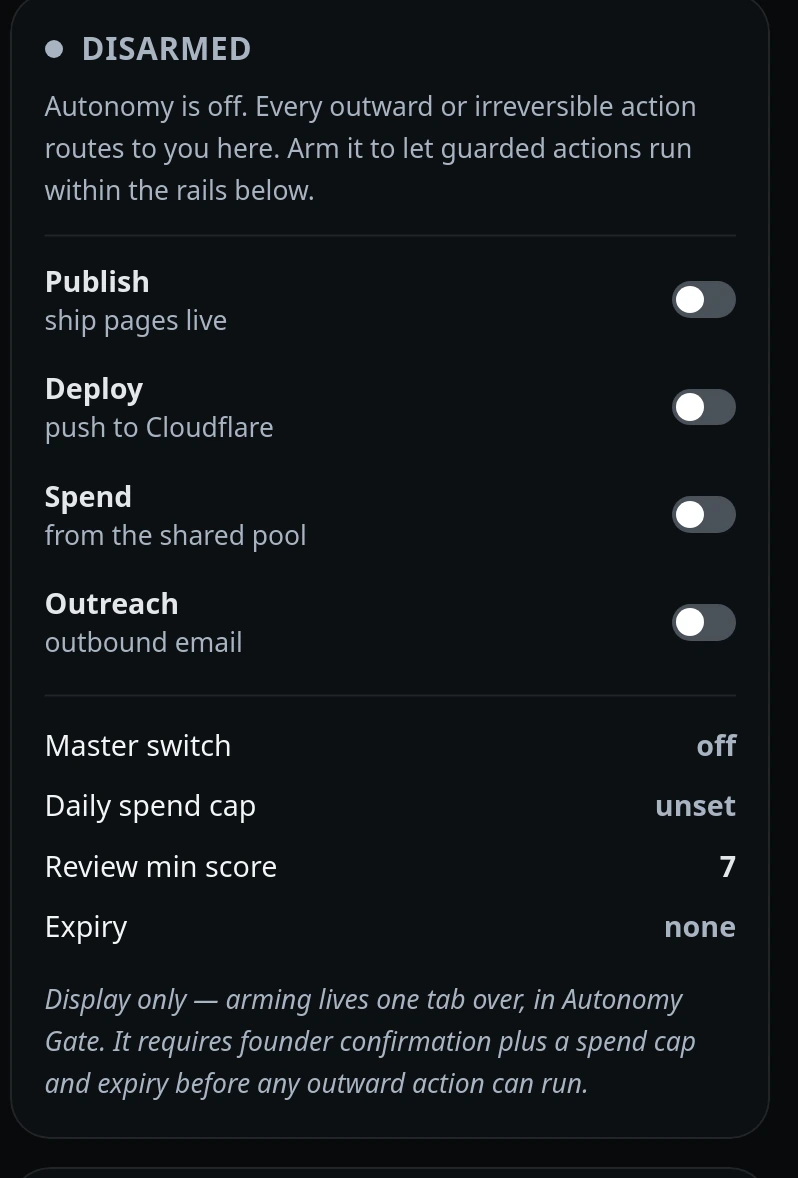
The autonomy gate: what agents may do without asking, what they must queue, and the audit trail of every decision made.
Long-form assembled documents — the output you hand to somebody else, built from the material the system already holds.
Model manager, engine monitor and benchmarks. Which models are loaded, what they cost in memory, and how fast they actually are on your hardware.
Control
An agent that can write code, spend money and send mail is only safe if the last three of those require a person. Publishing, deploying, spending and outreach are individual switches, off by default, with a master switch above them.
Decisions queue where you will see them rather than in a dashboard you have to remember to open. When you approve one it is signed and written to an audit trail, so months later there is a record of who allowed what.